
 English
 简体中文
简体中文



A. Preparation before installation
(1) Equipment and environment inspection
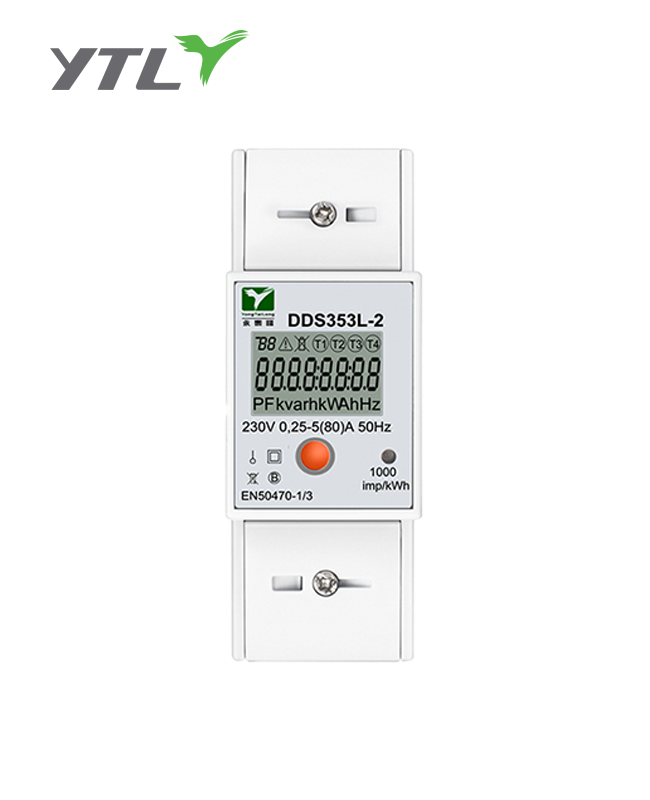
Meter inspection: Ensure that the appearance of the meter is intact, the screws are tightened, and the terminals are clean. Check whether the nameplate parameters (such as rated voltage and current) meet the user's power system requirements. Check whether the meter matches the local power grid specifications (single-phase/three-phase).
Environmental requirements: The installation location should avoid moisture, dust and high temperature, and the meter should be installed in a well-ventilated place. The recommended height is about 1.4 meters for easy observation and operation.
(2) Tool preparation
Tools include: electrician screwdriver, flat/cross screwdriver, current clamp, voltmeter, insulating gloves, mounting bracket or meter box, etc. Ensure that the tools meet the electrician's operating specifications to avoid accidents caused by tool problems.
B. Meter wiring steps
(1) Turn off power before wiring
Before wiring, be sure to turn off the main power supply and use a voltmeter to confirm that there is no voltage at the terminal.
(2) Operate according to the wiring diagram
Single-phase meter wiring: L terminal: connect to the live wire. N terminal: connect to the neutral wire. Ensure that the live and neutral wires are connected correctly and tightly.
Three-phase meter wiring: According to the terminal diagram on the meter, from left to right: L1, L2, L3: connect to the three-phase live wire. N: connect to the neutral wire. Ground terminal (if any): connect to a reliable grounding device. Make sure that the current direction of each phase is consistent with the direction indicated on the meter.
(3) Current transformer connection (if applicable)
For large current circuits, a current transformer is required. Make sure that the "P1" side of the transformer faces the power supply direction and the "P2" side faces the load direction. Connect the transformer secondary winding to the current terminal of the meter correctly.
(4) Fix the cables and connectors
Use insulating tape to fix the exposed cables to prevent short circuits. Make sure that the terminal screws are tightened but not too hard to prevent damage to the terminals or cables.
C. Meter installation and fixation
(1) Choose a suitable installation location
Wall installation: Use expansion screws to fix the meter hanging plate, and then fix the meter on it.
Meter box installation: Install the meter firmly inside the meter box to ensure good sealing.
(2) Installation stability check
Ensure that the meter is installed flat and firmly to avoid tilting or looseness that may cause abnormal readings.
D. Power-on test and function verification
(1) Power-on self-test
Connect the power supply and observe whether the meter starts normally: whether the screen display lights up normally. The meter should automatically complete the startup self-test without any alarm prompts.
(2) Recharge test
Use a standard recharge card or mobile phone app to recharge your account and confirm that the recharge amount is correctly included in the meter balance.
(3) Simulated power consumption test
Connect the load equipment and observe whether the prepaid meter accurately displays the power consumption and deducts the balance.
E. Instructions for use and operating tips
After installation, provide the following usage suggestions to users:
Check the operating status of the meter regularly and recharge in time if the balance is insufficient. Keep the meter installation environment clean to avoid external impact or unauthorized modification of the meter. Check the power consumption, balance and historical data through the manufacturer's supporting App or meter interface.
.png?imageView2/2/w/500/h/500/format/png/q/100 "YTL STS Prepaid Wi-Fine Energy Meter Single Phase Wall")
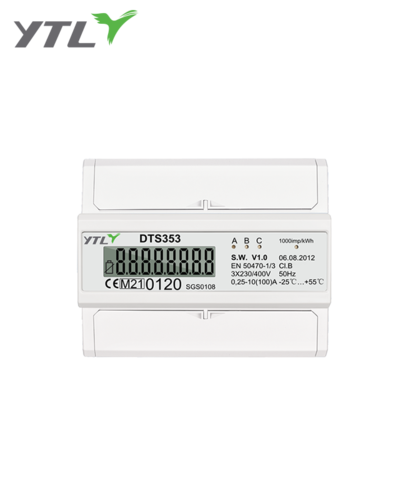
.jpg?imageView2/2/w/500/h/500/format/png/q/100 "YTL Company DTS353C DIN Rail 3P 4 Model Electricity Meter MID")
.png?imageView2/2/w/500/h/500/format/png/q/100 "YTL China Single Phase IC card Prepayment Electricity Meter")