
 English
 简体中文
简体中文



Introduction: When Your Smart Meter Data "Alerts", Do You Really Understand It?
With the widespread adoption of smart meters in homes and commercial settings, their features like real-time monitoring, precise measurement, and anomaly alerts have become core tools for users to manage electricity consumption. However, many users only focus on "current electricity usage" or "this month's bill", overlooking 6 key indicators hidden within smart meter data. These indicators can expose issues like aging wiring, equipment failure, electricity theft risks in advance, and even help users discover "hidden electricity waste".
This article combines real user cases and technical principle analysis to reveal these 6 easily overlooked core indicators in smart meter data. It provides self-check methods and solutions to help you upgrade from an "electricity novice" to a "data pro".
ⅠVoltage Fluctuation: The "Invisible Killer" of Unstable Power Usage
- Why should you care about voltage fluctuation?Smart meters monitor voltage values (unit: Volts, V) in real-time. Normal household voltage should be stable at 220V ±10% (i.e., 198V-242V). Long-term voltage below 198V may cause difficulty starting appliances and shorten their lifespan; voltage above 242V can lead to equipment overheating, burning out, or even fire.
- Self-check method
Check real-time smart meter data: Log into the brand's APP or web portal, go to the "Voltage Monitoring" page, and observe if the 24-hour voltage curve is stable.
Compare historical data: If the voltage suddenly jumps from 220V to above 240V, or frequently fluctuates between 190V-230V, be alert to potential line issues.
Manual verification: Use a multimeter to measure socket voltage, cross-referencing with smart meter data.
Solution: Contact the power supply company or a professional electrician to check the incoming supply lines and transformer load to prevent appliance damage from voltage anomalies.
ⅡCurrent Overload: The "Early Warning Sign" of Line Heating
- The dangers of current overload
Smart meters record real-time current values (unit: Amperes, A). The total household current generally should not exceed the meter's rated value (e.g., 40A, 60A). If the current is consistently near or exceeds the rated value, it can cause wires to heat up, insulation to age, and potentially lead to short circuits and fires.
Technical Principle:
During current overload, smart meters trigger an overload alarm (some models send notifications via APP) and record the duration and frequency of overloads. For example, a user's meter showing "3 overloads today, each lasting 10 minutes" was traced back to simultaneous use of 3 air conditioners and an electric water heater. - Self-check method
Observe meter alarm information: Some smart meters have an LED indicator that flashes red during overload.
Analyze peak usage periods: Check the "Current vs. Time Curve" in the APP. If the current consistently exceeds 80% of the rated value during peak hours like 8 PM-10 PM, consider staggering the use of high-power appliances.
Calculate total power: Using the formula Power (W) = Voltage (V) × Current (A), if the total power exceeds the circuit's capacity, consider distributing the load across different circuits.
Solution: Add circuit branches, replace with thicker wires, or stagger the use of high-power appliances.
ⅢLow Power Factor: The "Hidden Trap" of Reactive Power Costs
- Why does power factor affect the electricity bill?
Power Factor (PF) reflects the efficiency of electrical appliances in utilizing power, ranging from 0 to 1. Industrial users may incur penalties if PF falls below 0.9. Although residential users aren't penalized, a low PF increases line losses, indirectly raising electricity costs. - Self-check method
Check smart meter data: Some meters directly display the PF value. Be cautious if it's below 0.85.
Identify low PF appliances: Inductive motors (e.g., air conditioners, refrigerators), fluorescent lamp ballasts, etc., often cause low PF.
Calculate reactive power: Use the formula Reactive Power (kVAR) = √(Apparent Power² - Active Power²). If reactive power is too high, equipment optimization is needed.
Solution: Install capacitor compensation devices for large motors, or replace appliances with ones having a higher PF (e.g., LED lights, inverter air conditioners).
ⅣLeakage Current: The "Silent Alarm" of Electric Shock Risk
- Dangers of leakage current
Some smart meters can monitor leakage current (unit: milliamps, mA). The normal value should be close to 0. Leakage current exceeding 30mA poses an electric shock risk to humans; exceeding 300mA can potentially cause fires.
Technical Principle:
Leakage current is the difference between the live and neutral wire currents. Smart meters calculate this difference in real-time using high-precision sensors. For instance, a user's meter showing a persistent leakage current of 50mA was traced to a wet bathroom socket. - Self-check method
Use a Residual-Current Device (RCD): Install a circuit breaker with leakage protection. If it trips frequently, it indicates a leakage problem.
Check circuits section by section: Turn off all appliances, then switch on each circuit one by one, observing if the leakage current reading on the meter changes.
Solution: Replace aging wires, repair appliance insulation, or install a Residual-Current Device (RCD).
ⅤSudden Change in Electricity Consumption: "Clues" to Theft or Equipment Failure
- Reasons for sudden increase/decrease in usage
Smart meters record daily electricity consumption. A sudden increase of over 50% or a decrease of over 80% compared to the previous day might indicate:
Electricity theft: Unauthorized tapping of the line.
Equipment malfunction: e.g., a faulty water heater thermostat causing continuous heating.
Meter error: In rare cases, a fault in the meter's metering module.
- Self-check method
Compare historical data: Check the "Electricity Consumption Trend Chart" in the APP and mark abnormal dates.
Check appliance status: Verify if high-power appliances were left on unintentionally.
Contact the power supply company: Request a meter verification to rule out meter malfunction.
Ⅵ Communication Interruption: The "Hidden Risk" of Data Loss
- Impact of communication interruption
Smart meters upload data to the cloud via IoT (NB-IoT/4G). Communication interruptions can lead to:
Inability to view real-time data.
Delayed anomaly alerts.
Inaccurate consumption analysis.
- Self-check method
Check meter signal strength: Some meters display signal bars. If it's below 2 bars, consider repositioning the meter if possible.
Restart the meter: Power it off for 5 minutes, then restart, observing if communication resumes.
Contact the operator: Confirm if the local IoT base station is functioning normally.
Solution: Install a signal booster for the meter, or upgrade to a meter model supporting multi-mode communication.
Conclusion:
The Smart Meter - Not Just a Measurement Tool, But an Electricity Safety Manager
From voltage fluctuations to leakage current, from power factor to communication status, the 6 key indicators of a smart meter provide a comprehensive diagnosis of your electrical health. Mastering the self-check methods for these indicators not only helps avoid electricity waste but also enables early prevention of safety hazards like fires and electric shocks.
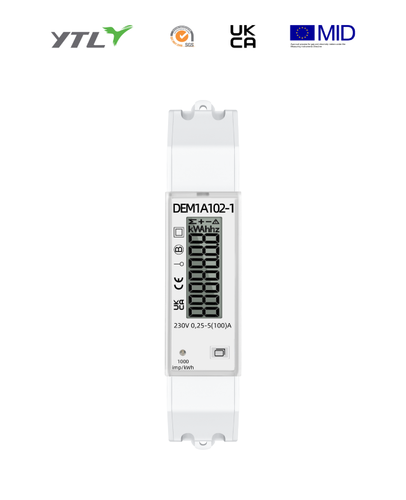
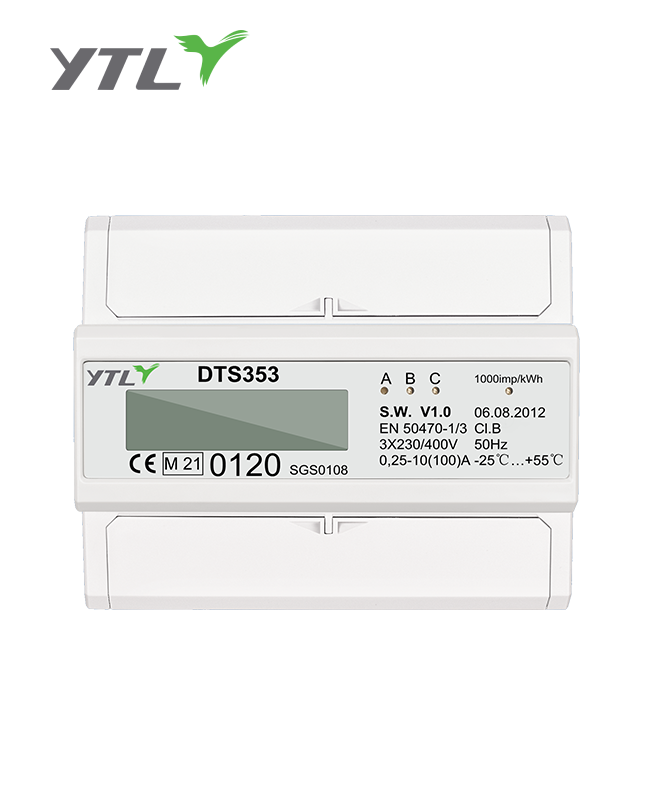
.jpg?imageView2/2/w/500/h/500/format/png/q/100 "YTL Company DTS353C DIN Rail 3P 4 Model Electricity Meter MID")
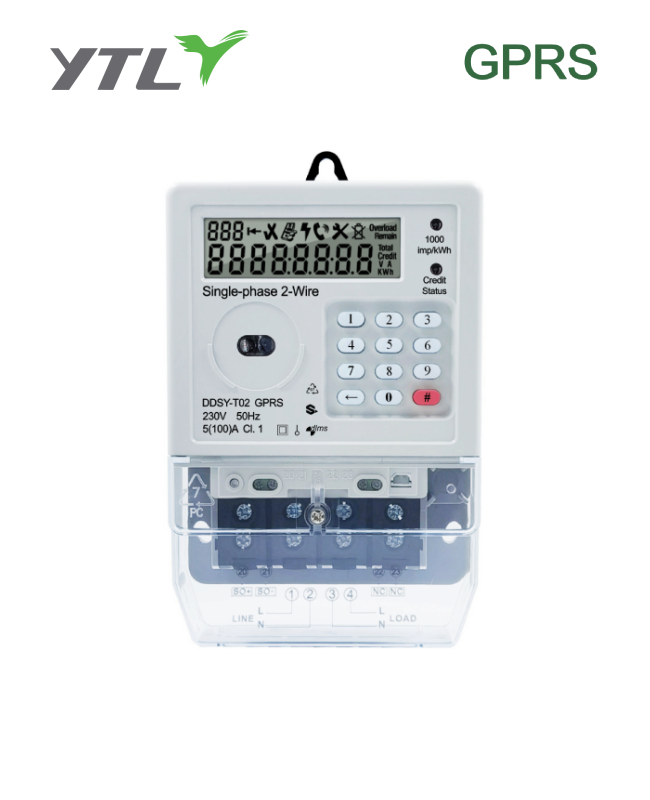
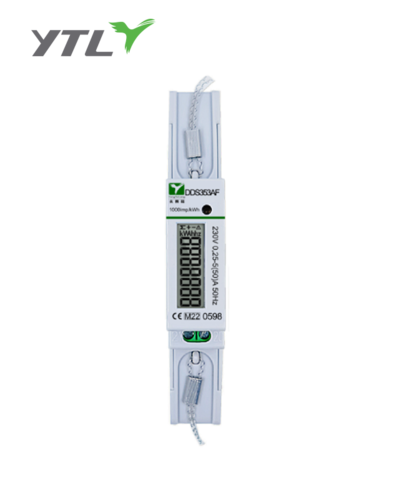
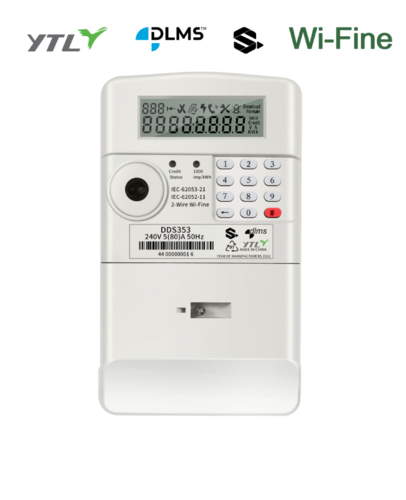
.png?imageView2/2/w/500/h/500/format/png/q/100 "YTL Single Phase Active Electronic Electricity Meter")